







Unbox the Room: A Cozy Puzzle for Your Inner Neat Freak
Share Unbox the Room with Friends!
Discover More Unbox the Room
Sprunki Remake Fire
Sprunki corrupted

Sprunki Banana Edition
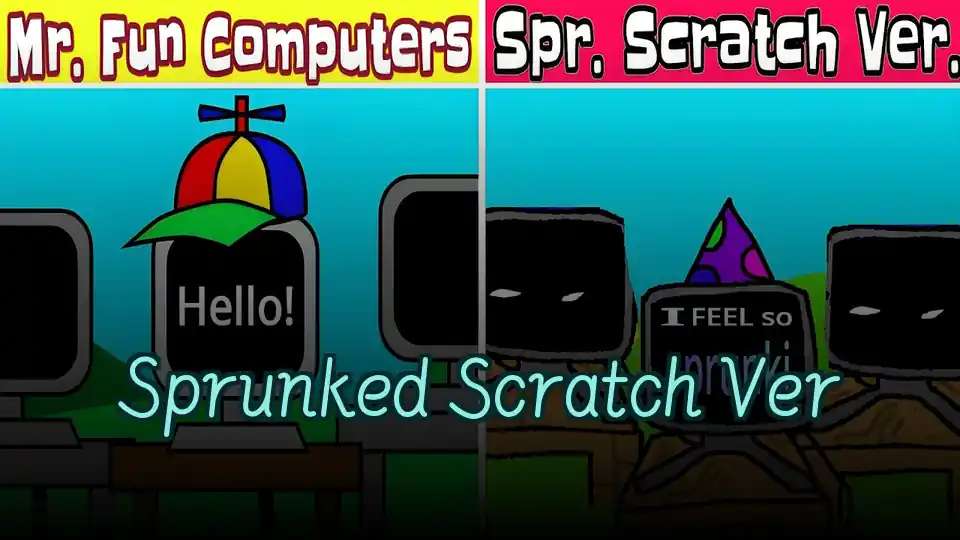
Sprunked Scratch Ver
FNF Mr. Fun Computer Test
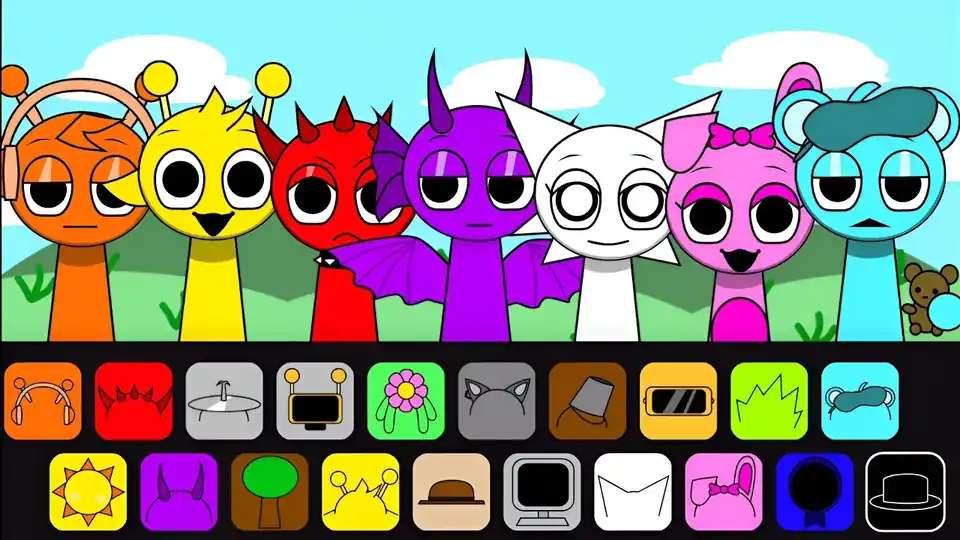
The Second Sprunki

Sprunki X Orin Ayo

Sprunki Remastered 3

Sprunki Girls with Hair
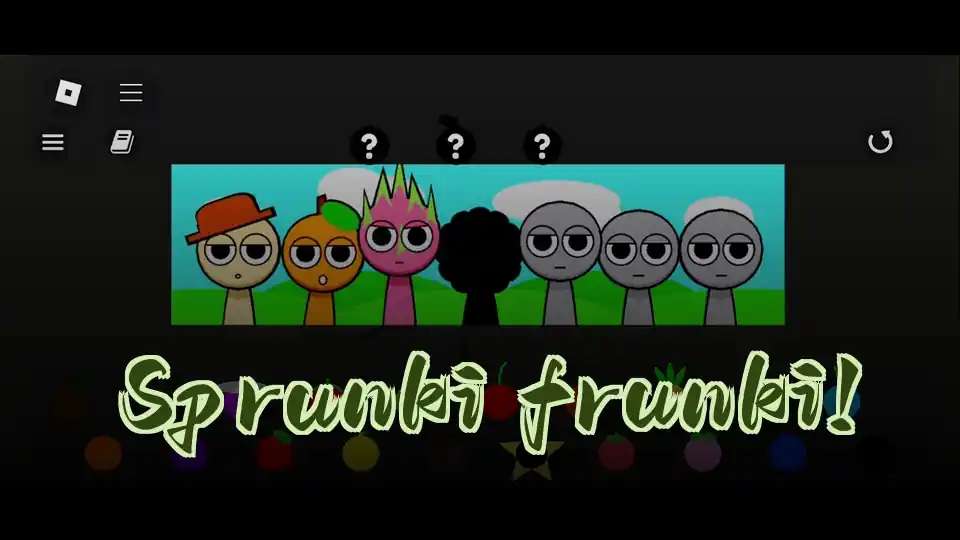
Sprunki frunki!

Sprunki x Melophobia

Sprunki Retake Crossword

Sprunki Mastered

Sprunki Cure
ParaSprunki 10
SPRUNNY!

Sprunki Universe 1

Sprunki CoolFox Pro

Sprunki Archive 2
Spronkin’
Explore Other Exciting Games
2048
Tower Shot
Unbox the Room

Incredibox Twittergram

Dead Strike

Sprunki Angler Durple

Turnip Boy Robs a Bank

FNAF Help Wanted 2
2048 Rogue

TB World

Rooster Road

Brush Jjaemu
Yume Nikki

Arrow Arena

Trees Hate You

Wacky Steps

Sky Dart

Color Surfer

Wave Rider

Poppy Playtime Chapter 5
A Little Clutter, a Little Calm
Unbox the Room is a relaxing puzzle and organization game about unpacking everyday things and finding their proper places. Each level gives you a room to sort out, turning that familiar pile of stuff into a space that makes sense. Apparently, tidying is much more appealing when it isn't your actual room.
From Packed Up to Put Away
Take a Look Around
Check the room before you start placing things. Notice which spaces look suited to the items you need to unpack.
Unpack the Everyday Stuff
Work through the things waiting to be put away. Think about what each object is used for before choosing its home.
Find a Sensible Spot
Place items where they belong in the room. Everyday logic is a good starting point when a location isn't immediately obvious.
Reconsider the Awkward Ones
If an item has you stumped, look at the room again rather than guessing blindly. A different part of the space may make more sense.
A Few Things Before You Tidy
Purpose Before Appearance
An object might look good in several spots, but its use is a better clue to where it belongs. Think about where someone would reach for it.
💡 Name the item's purpose before choosing a place.
Start With the Obvious
You don't have to spend all your attention on the first confusing object. Clear-cut placements help you get familiar with the room.
💡 Put away an easy-to-place item first.
Read the Whole Room
It's easy to fixate on one corner when an item seems almost right there. Looking across the whole space may reveal a more logical home.
💡 Check the rest of the room before settling on a guess.
Skip the Random Guessing
Repeated guesses can distract you from what the object actually is. Pause and connect the item to a likely use within the room.
💡 Choose your next spot for a specific reason.
What's Inside the Box?
Unpacking Is the Puzzle
Putting things away is the main event here, not a chore between bigger objectives. Each item gives you a small placement problem to think through.
Everyday Objects
The puzzle revolves around familiar belongings rather than abstract blocks. Recognizing what something is helps you reason out where it should go.
Room-Based Levels
Each level centers on a room full of things to organize. Your attention stays on making that particular space feel sorted.
A Relaxing Premise
The focus is on unpacking and finding the right places for things. It's a welcome change when you'd rather solve a small domestic puzzle than chase another high score.
For the Just-One-More-Item Crowd
Unpacking Without the Moving Day
You get to work out where everything belongs without hauling a single real box. Your back gets the day off.
Small Decisions That Add Up
Each object asks a simple question: where does this go? Those little decisions gradually turn a room into an organized space.
Put Everyday Logic to Work
Knowing what an item does is useful here. It's satisfying to solve a puzzle with ordinary household reasoning.
A Quieter Gaming Mood
Some days, sorting out a room sounds better than saving the world. This is a game built around that smaller, calmer kind of task.
Before You Open the Boxes
What is Unbox the Room?
It's a relaxing puzzle and organization game where you unpack belongings and put them in the right places. Each level takes place in a room that needs sorting.
What is the main goal?
Your job is to find the proper places for the unpacked items. Think less interior-design showcase, more figuring out where all this stuff belongs.
What kind of game is it?
Unbox the Room is a puzzle game with simulation elements. Its challenges come from organizing everyday objects within a room.
Can I play Unbox the Room online?
Yes, you can play it directly in your browser on retrogame.ai. There's no installation step before you start unpacking.
Is this about decorating or organizing?
The core task is organizing: unpacking things and putting them where they belong. Don't assume every object can go anywhere just because it looks nice there.
Do I need to be good at puzzle games?
The premise is easy to understand without a puzzle-game background. Start by thinking about how you'd use each object in an everyday room.
What should I do if I'm stuck?
Look at the item's purpose, then scan the room for a location that fits. Solving a more obvious placement first can also help you rethink the awkward one.
Is Unbox the Room meant to be relaxing?
Yes, its focus is on the quiet task of unpacking and organizing. The appeal is watching scattered belongings find their homes.
Can I play Unbox the Room unblocked?
Access depends on the rules of your network. If a school or workplace blocks gaming sites, this page won't override that restriction.
Who might enjoy this game?
It's a good match for players who like sorting objects and making sense of clutter. If a neatly arranged space gives you a tiny burst of satisfaction, the premise will probably click.
No Install, Just Unpack
Open Unbox the Room on retrogame.ai and jump straight in through your browser. There's nothing to download or install, so the only unpacking on your agenda is inside the game.