





Sprunkr SB3 File Found - Play the Offbeat Sprunki Arcade Game
Share Sprunkr SB3 File Found with Friends!
Discover More Sprunkr SB3 File Found

Sprunki Fanmade
Sprunki But Realistic of them

Sprunki But i Made it

IncrediBox Party Frozen Sprunki Beat

Sprunky Tree Friends Re-Natured

Sprunkigenics!

Sprunki Phase 10 Original

Sprunki Fall Edition

Sprunki Everyone Alive Remake

Sprunki Ugly Runined

Sprunki Trollges

Sprunki Infection

Sprunki Compas

Lethal Sprunkiny

Sprunki Reskin

Sprunki MoonSprunk!

Sprunki Babies Broken

Sprunki AYS

Cool As Ice

Sprunki Sepbox v2:The Depth
Explore Other Exciting Games
2048
Sprunkr SB3 File Found
Spranckle 2008

BLOODMONEY But Sprunki
Sprunki Shifted: Bloody Date

Knife Master

Pinball Master
CaptchaWare
Ragdoll Flip
Sprunkilarity

Dead Strike

Sprunki Far Cross

Capybara Mart

Incredibox Rumyrisk
Stranger Alternate World

Skip It!

Crashy Rush

Fish Eat Fish
2048 Rogue
Sprunki Shifted Skiyak's Take Phase 3
What Is Sprunkr SB3 File Found?
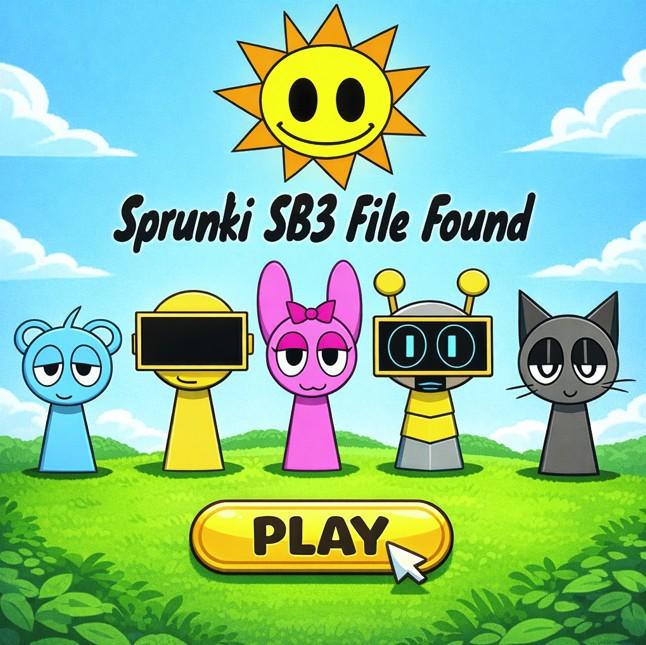
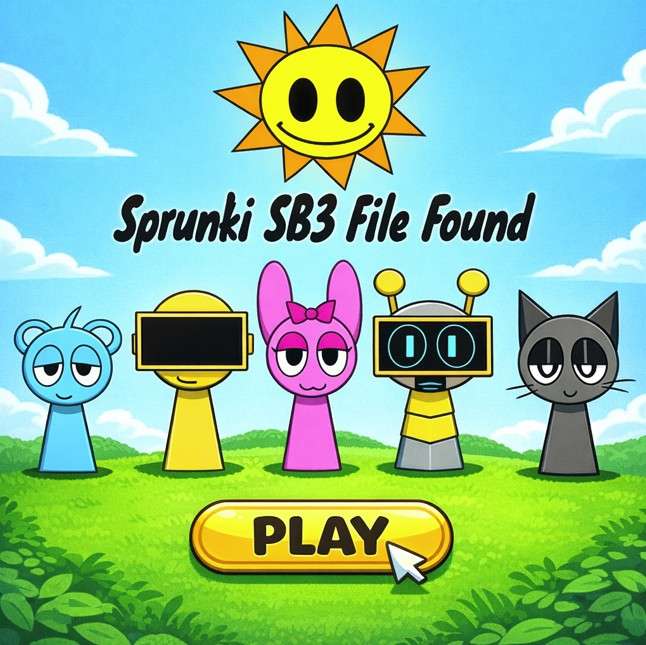
Sprunkr SB3 File Found is a quirky, rhythm-inspired arcade game in the Sprunki category. Its bright arena puts the characters on display, and just when the whole thing starts to feel familiar, it takes a left turn.
Getting Into the Groove
Open the Game
Launch it in your browser and give the game screen a moment to load.
Set Your Volume
Bring the sound up to a comfortable level so you can hear the rhythm clearly.
Get Your Bearings
Take a quick look around the arena and see which character catches your eye first.
Follow the On-Screen Prompts
Take your cues from the game screen as you go. Give yourself a second to see what’s happening when the mood shifts.
Small Things to Try
Catch the Beat
A busy screen can pull your attention away from the rhythm. Listening for a moment gives you another way to get your bearings.
Tap a finger along with the beat.
Watch One Part of the Arena
It’s easier to spot a change when your eyes have somewhere to settle. A favorite character makes a handy point of focus.
Keep your eyes on one character for a moment.
Give Surprises a Second
An unexpected turn can draw your attention away from what the game shows you next.
Check the game screen after a sudden shift.
Why Give It a Go?
You Like Games With a Beat
If the first thing you do in an arcade game is turn up the sound, this one gives you a good reason to.
You Tend to Pick a Favorite
Half the fun of a quirky cast is seeing who grabs your attention first.
You Like Being Caught Off Guard
That little moment when you think you’ve got the mood figured out is exactly where the surprises land.
You’ve Got a Few Minutes
A browser tab is all it takes to see what this particular corner of Sprunki is up to.
What Stands Out
Rhythm at the Center
Sound gives the arcade action its rhythm, so it’s worth keeping an ear on what’s happening.
A Bright Arena
The arena’s bold colors give your eyes plenty to wander over while you listen.
Characters in the Spotlight
The characters give you something to watch as the game settles into its groove.
A Few Left Turns
The game slips in surprises right when you’re starting to get comfortable with its familiar Sprunki feel.
Play Straight From Your Browser
Open Sprunkr SB3 File Found on retrogame.ai and jump in from the game page. Everything runs in your browser, so you can skip the install.
Quick Questions Before You Play
Where can I play Sprunkr SB3 File Found online?
You can play it right here on retrogame.ai in your browser.
What kind of game is it?
It’s a rhythm-inspired arcade game with Sprunki-style characters and a colorful arena.
Can I start here if I’m new to Sprunki?
Sure. Start with what you can see and hear in the arena and follow the game’s prompts as they come up.
Should I turn the sound on?
Yes, sound is a big part of the game’s personality. Set the volume where you can hear the rhythm comfortably.
Are headphones worth using?
Try them if you’re somewhere noisy. They can make it easier to pick out quieter sounds.
What should I look at first?
Pick a character that catches your eye. Having one spot to look at makes it easier to get your bearings in the bright arena.
What makes this one feel like Sprunki?
The mix of quirky characters and rhythm-led sound gives it that familiar Sprunki feel.
What’s the mood like?
It starts from a bright, playful Sprunki vibe and leaves room for the occasional odd turn.
Why is the game silent in my browser?
Check your device volume and see if the browser tab is muted. If it’s still quiet, click the game window once and listen again.
What can I try if the game screen stays blank?
Give the page a moment to load, then try refreshing it once if the game still hasn’t appeared.