Dead Strike Online — Blast Zombies in a Skill-Based FPS Frenzy
Share Dead Strike with Friends!
Discover More Dead Strike
Color Match
Chill Guy Clicker
Block Blast
Basketball Stars Unblocked
Awesome Tanks
Escape Road
Football Bros
Retro Bowl Unblocked
Retro Bowl College
Bad Parenting
Wordle
Friday Night Funkin
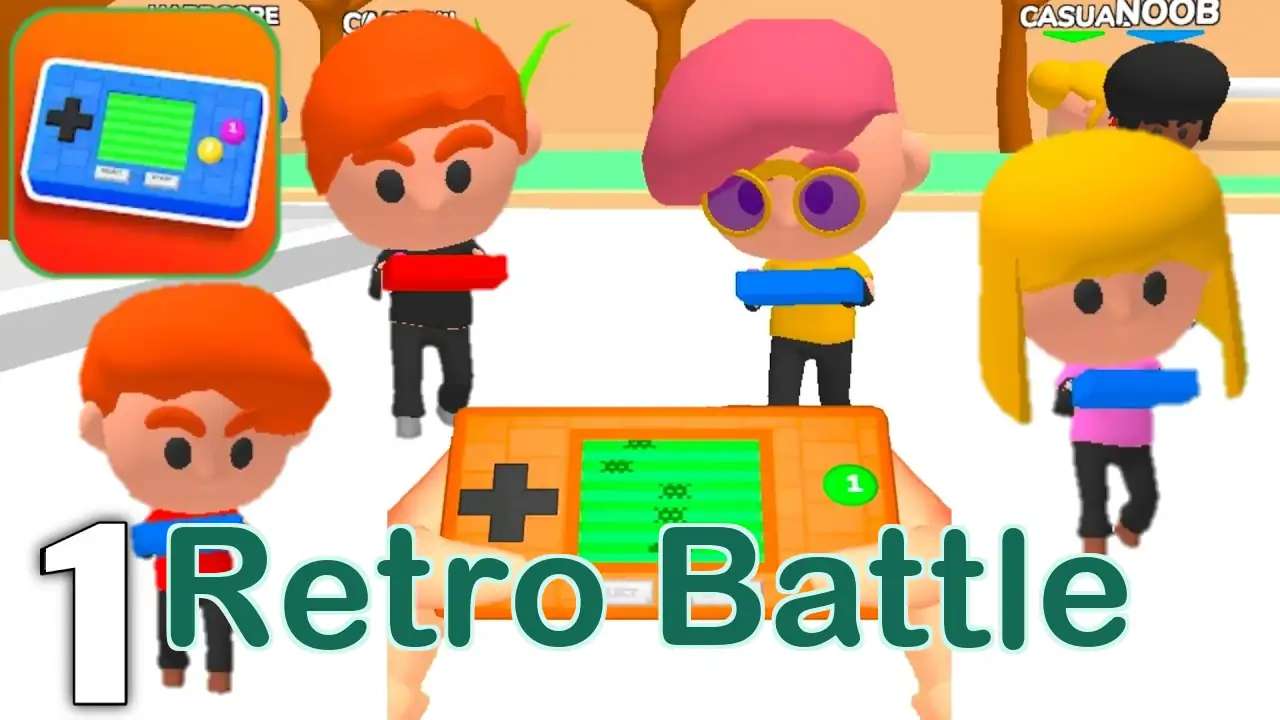
Retro Battle
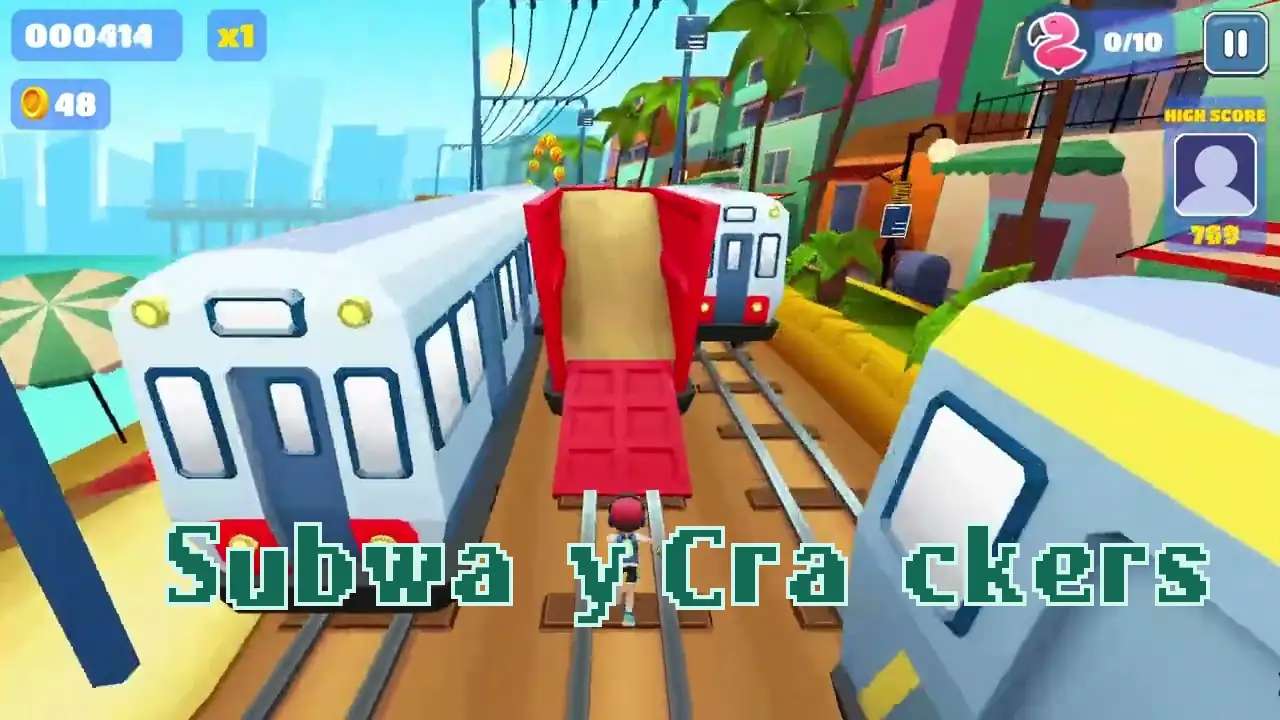
Subway Crackers
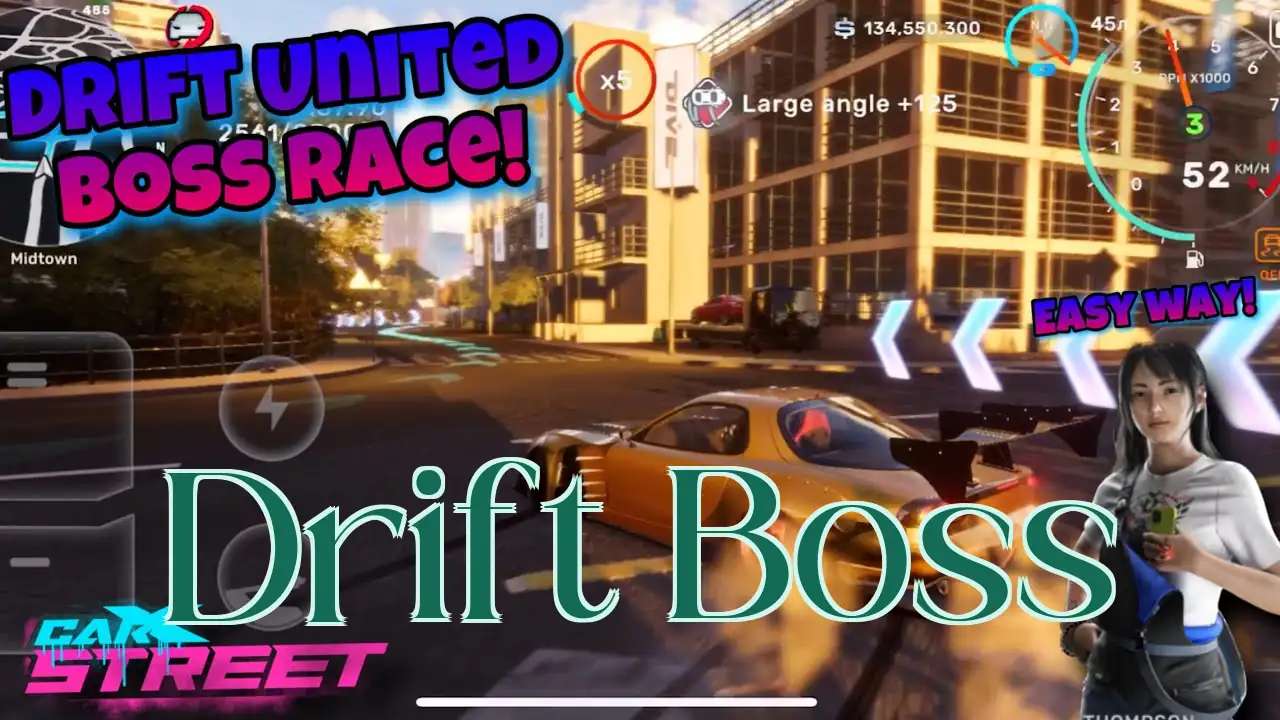
Drift Boss
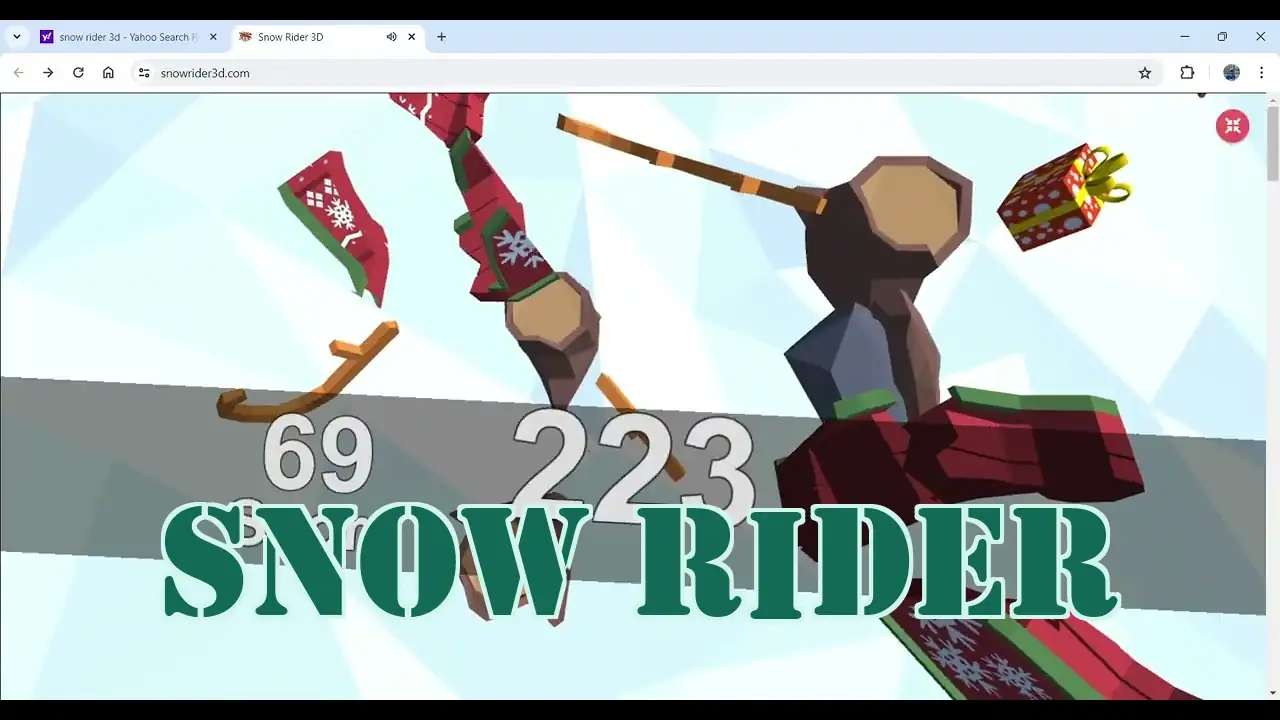
Snow Rider
Subway Surfers Unblocked
Love Pawsona
Sprunki Sproinky
Sprunki Imsusmi
Explore Other Exciting Games
2048
Dead Strike
Sprunki Angler Durple

Turnip Boy Robs a Bank

FNAF Help Wanted 2
2048 Rogue

TB World
Yume Nikki
Wacky Steps
Wave Rider
FNF Nocturnal Protocol Mod

Christmas Factory
Rooster Road
Astro Tycoon
Sausage Battle
Stick Hero RPG
Farting Flight
Welcome To The Garden
Duck Life 4

Horse Magnifier
What Is Dead Strike?
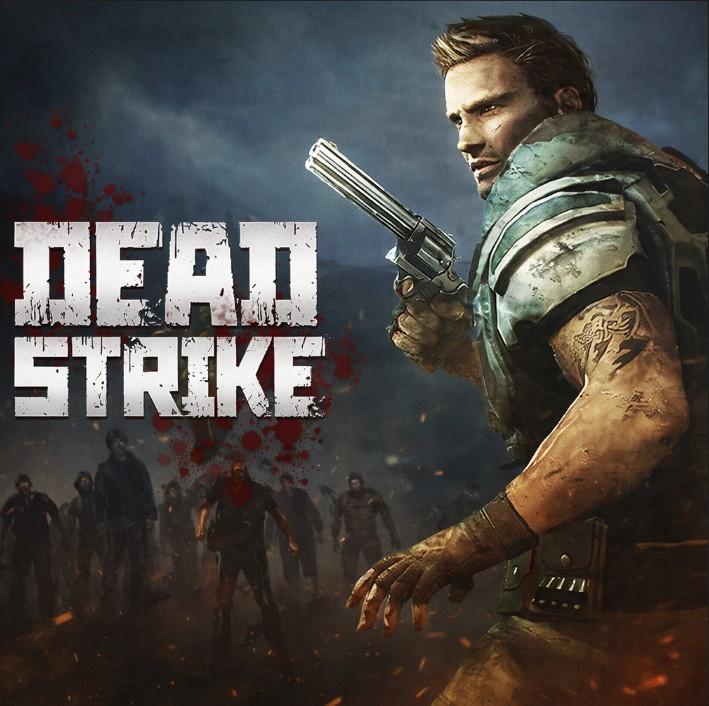
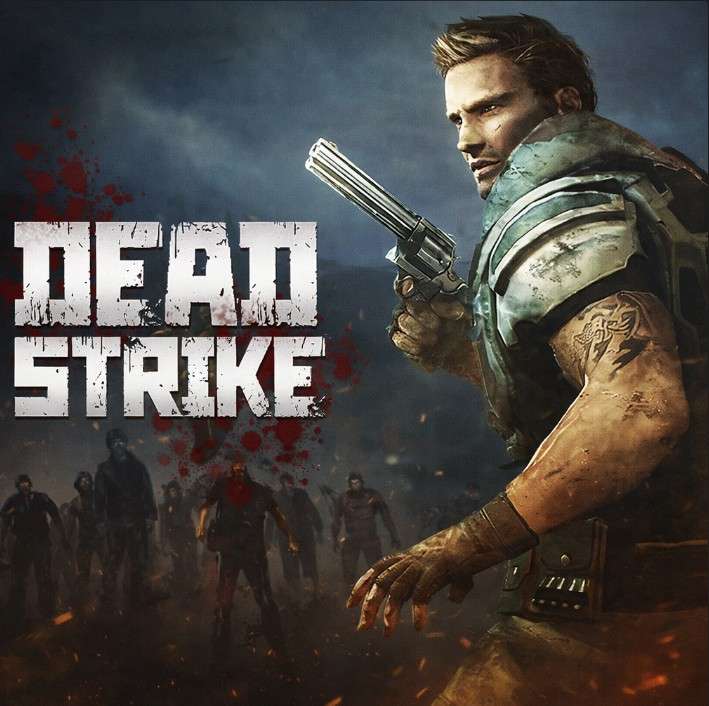
Dead Strike is a first-person shooter set in the aftermath of a devastating zombie outbreak, with the world reduced to rubble and rot around you. Waves of undead rush in from every angle, and your job is simple: keep firing until they stop moving. It's a punchy, skill-driven browser shooter built for players who want fast action without the bloat.
How to Play Dead Strike
Get Your Bearings Fast
The screen throws you right into hostile territory. Take half a second to spot exits, cover, and where the first shriek is coming from before unloading.
Watch Your Crosshair Like a Hawk
Ammo isn't infinite in every mode. A steady, accurate trigger saves more bullets than panic spraying ever will.
Keep Moving, Stay Alive
Standing still is a death sentence. Circle around cover, peek out to shoot, and never let the horde box you in.
Pick Off Closest Threats First
Zombies right in your face hit harder than ones across the map. Burn them down before chasing long-distance targets.
Listen for the Stalkers Behind You
Enemies love spawning at your blind spots. Use those creepy background sounds and quick 180-degree checks to stay ahead.
Dead Strike — Common Questions
Is Dead Strike free to play?
Yes, the browser version is free. Just open the page and start shooting — no account or payment required.
Do I need to download anything?
Nope. Dead Strike runs straight in your browser with nothing to install.
Can I play Dead Strike unblocked at school?
If your school's network permits the site, the unblocked version should load and run normally.
What kind of game is Dead Strike?
It's a first-person shooter focused on zombie survival and skill-based aim mechanics.
Does it have a story mode?
The focus is on action-packed wave combat rather than a deep narrative, so expect gameplay first.
Is there multiplayer in Dead Strike?
Check the in-game lobby for current modes — coop and solo runs are both common variations.
What are the controls?
It's a standard FPS layout with mouse-driven aiming, so if you've played a shooter before, you'll be fine.
Is Dead Strike appropriate for kids?
It's a violent zombie shooter, so it's geared toward older gamers and teen audiences.
Can I play on a low-end laptop?
Because it runs in a browser without heavy downloads, it performs surprisingly well on older hardware.
Are there different weapons?
Expect a range of guns with different feel and damage — swap them up based on how close the horde gets.
How long is a typical match?
Rounds vary, but most sessions run a few minutes with escalating waves until you fall.
Does the game save my progress?
High scores and unlocks often persist per browser, so clearing cache may reset things.
What Makes Dead Strike Click
Pure Skill-Based FPS Combat
No gimmicks, no auto-aim crutches — your accuracy and reaction time are the only things that matter.
Post-Apocalyptic Wasteland Setting
Crumbling streets, rusted signage, and that constant fog of dread make every level feel like the last day on earth.
Relentless Zombie Hordes
Enemies pour in from doors, windows, and rooftops. The further you push, the more aggressive the swarm gets.
Runs Directly in Your Browser
No installs, no launcher, no 80 GB download. Click and you're locked, loaded, and surrounded.
Quick Sessions, Long Score Chases
Perfect for a five-minute break or a marathon high-score run. Each round ramps the chaos up another notch.
Jump Straight Into Dead Strike
There's nothing to install — Dead Strike boots up right inside your browser, so you can go from bored to blasting zombies in under a minute. Just open the page, click play, and start dropping undead.
Dead Strike Tips From the Trenches
Aiming Discipline
Panic spraying burns through ammo and alerts every zombie nearby to your exact spot. A two-second pause to line up the crosshair usually saves more bullets than pulling the trigger blind.
Tap-fire at mid-range, hold click only when targets are point-blank.
Positioning Is Half the Fight
Backing into corners is tempting but deadly. Keep an escape lane behind you and rotate around pillars and walls to funnel enemies into chokepoints.
Always know your two nearest exits before reloading.
Sound Cues Save Runs
Footsteps, groans, and distant shrieks tell you where the next wave is spawning. Players who ignore audio miss free early-warning signs.
Drop your headphones on if you're playing seriously.
Reload on the Move
Standing still to reload is the #1 way to get swarmed in Dead Strike. Slide behind cover, reload mid-step, and never let the mag drop to zero.
Trigger a reload anytime the mag dips below a third.
Close-Range Threat Priority
Zombies shambling at you from ten feet away deal way more damage than distant runners. Clear your bubble first, then chase longer shots.
Snap to the closest red outline before anything else.
Why You'll Love Dead Strike
Shredding Hordes Is Cathartic
Few things beat mowing down a wave of undead after a long day. Pure stress relief in rifle form.
Instant Action, Zero Friction
No menus, no installs. Click and you're immediately neck-deep in zombies with a full clip.
Aim Actually Matters Here
Forget auto-aim handholds. Headshots, recoil control, and quick flicks are the whole game.
The Zombie Outbreak Vibe
Rubble, fog, distant screams — the post-apocalyptic mood lands harder than you'd expect from a browser shooter.
Quick Rounds, High Replay Value
Each attempt pushes the wave further, so the leaderboard chase keeps pulling you back for one more go.